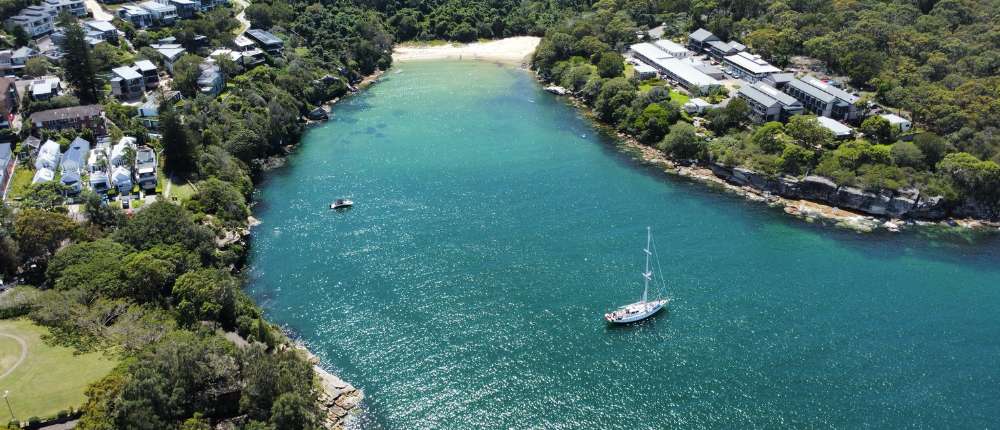
How to Get Amazing Photos From Your Drone Video Footage
Why Grab Photos From Video Footage?
Sometimes the best photo-worthy moments happen between your shutter clicks. Maybe it’s the perfect curve in a coastline, a shadow you didn’t notice in real-time, or that one bird flying into frame just as you were panning. Pulling still images from your drone video footage is a clever way to make the most of every flight — especially if you forgot to shoot stills mid-air (guilty!).
It also frees you up while flying. When you’re recording video with the intention of extracting stills later, you don’t have to stop every few seconds to snap a photo. You can focus on smooth, cinematic movement — and sort out your gallery later. Related: How to Take Stunning Drone Photos
Shoot Smart: How to Record With Photos in Mind
Use High-Resolution Video (At Least 4K)
Recording in 4K (or higher) isn’t just a “nice to have” when it comes to extracting stills from drone footage — it’s essential if you want sharp, usable images. A single frame from 4K video gives you an 8MP still (3840×2160 pixels), which is roughly the resolution of many smartphone cameras. That’s more than enough for online use, and decent for small to medium-sized prints too. However, if you’re using 1080p footage, you’re working with just 2MP — which will look soft and pixelated when cropped or zoomed in.
If your drone supports it, consider filming in 5.4K or 6K for even more flexibility. These higher resolutions give you room to crop, straighten, and recompose your stills without noticeable quality loss. It’s especially useful if you didn’t quite get the perfect framing during flight or if your subject is off-centre. Just keep in mind that higher resolution footage takes up more space, so make sure you’re using high-speed memory cards and have backup storage ready. It’s a small trade-off for a big boost in image quality.
Keep the Frame Smooth and Wide
Smoothness is your best friend when capturing stills from video. Jerky or abrupt movements may not be too noticeable in video playback, but when you’re extracting a single frame, they often show up as motion blur or poor composition. One of the easiest ways to improve your frame grab quality is to fly slowly and deliberately. Use your drone’s cinematic mode (sometimes called tripod or cine mode), which reduces stick sensitivity and helps you create fluid, graceful movements that are easier to freeze into sharp, usable photos.
Also, shoot wide. Wide angles give you more freedom to crop later without sacrificing composition. It’s far easier to zoom in during editing than to try to fix a too-tight or slightly shaky frame. Aim for broad, sweeping pans and slow reveals that give the viewer time to absorb the landscape. Not only will this approach give you better video, but it will also give you dozens of frame-worthy stills to choose from — perfect for social media, thumbnails, or even large-format prints.
Pause and Hover During Scenic Moments
Even though you’re filming video, pausing to hover during key moments can make a big difference in the quality of your extracted stills. When you slow down or hold your position over a stunning scene — whether it’s a dramatic coastline, a glowing sunset, or a mountain range — you reduce the risk of motion blur and give your drone time to stabilise its sensors. That moment of stillness allows the gimbal to lock in a sharp, steady shot — ideal for a clean frame grab later.
Look for opportunities during your flight to build in a few short pauses over high-impact angles. You don’t need to stop for long — even 2 to 3 seconds is enough to capture several crisp frames. Bonus tip: hovering over a scenic spot with a bit of natural motion in the background — like waves, drifting clouds, or rustling trees — gives your stills a cinematic depth that can make them look intentional rather than like a random screen capture.
Turn Off Auto Exposure If Possible
Auto exposure is great for casual flying, but when you’re planning to pull stills from video footage, it can be your biggest obstacle to consistency. Auto exposure constantly adjusts the brightness of your image based on what’s in the frame — so as you pan from bright sky to darker land, or fly past shaded areas, your video will pulse with light and dark shifts. Those same exposure jumps will show up in your extracted stills, making them look uneven and unprofessional, especially if you’re trying to build a cohesive gallery.
If your drone allows it, switch to manual exposure or use exposure lock. This ensures your footage — and the frame grabs you extract from it — have a consistent brightness and tone throughout. For bonus points, set your white balance manually too, so your stills don’t shift from cool to warm halfway through the video. Locking in your exposure settings might feel a bit advanced at first, but once you see the improvement in quality and editing ease, you’ll never go back.
Related: Drones and Accessories
The Extraction Process: Step-by-Step
Option 1 – Frame Grab Using Video Player (Quick & Easy)
If you’re just after a social post or blog image, play your video in VLC Media Player or QuickTime. Pause the video at the frame you want, take a screenshot, and save it. It’s not the highest quality method, but it works in a pinch.
Option 2 – Frame Grab in Editing Software (Better Quality)
Using software like Adobe Premiere Pro, Final Cut Pro, or DaVinci Resolve lets you export full-resolution stills from your 4K (or higher) footage. This is ideal if you’re planning to edit the image further or use it for print/digital products.
Option 3 – Use Drone App or Built-In Tools
Some drones (like DJI models) let you extract frames directly from the app. The DJI Fly app has a “Take Photo From Video” option inside the playback screen. Handy for quick sharing, though again — resolution may vary depending on how the footage was recorded.
Pro Tips for Better Results
Watch for motion blur — even in 4K, fast camera movement or low shutter speeds can result in soft or blurry stills. Use ND filters and faster shutter settings when possible to preserve detail.
After extracting your frame, bring it into a photo editor like Lightroom or Snapseed. Sharpening, boosting contrast, and adjusting shadows/highlights can dramatically improve the final image.
Crop strategically for your intended use — 16:9 for banners, square for Instagram, vertical for Reels or Pinterest pins.
When to Use Frame Grabs vs Still Photos
Extracting stills from your drone footage is a clever way to make the most of every flight, but it’s important to know when it works best — and when it doesn’t. While you can technically grab a frame from any video, the quality, sharpness, and composition can vary a lot depending on how you shot it and the conditions you were flying in. Understanding the strengths and limitations of frame grabs helps you avoid disappointment and plan your flights more intentionally.
Frame grabs are ideal for:
- Landscapes and wide scenes
- Smooth reveals and cinematic flyovers
- Moments you missed during flight
These scenarios benefit from slower movement, strong lighting, and consistent exposure — all of which help preserve image clarity. If you’re flying over a mountain ridge at sunrise or panning across a beach at golden hour, there’s a good chance your footage is filled with still-worthy frames. And if you were so focused on flying that you forgot to take photos, frame grabbing is your best friend.
That said, there are some limitations. Frame grabs are generally less effective for:
- Action shots (you’ll get blur)
- Low light scenes (noisy + soft)
- Fine detail or zooming in too far
Since video typically uses lower shutter speeds than still photography, fast motion often introduces blur, especially if you’re turning quickly or filming moving subjects. And because you’re working with compressed video files, pulling out fine details — like textures on buildings or wildlife from a distance — can leave you with soft, grainy images.
Still photos taken during flight will almost always outperform frame grabs in terms of resolution and dynamic range. If your goal is to sell prints, submit to photography contests, or capture detailed professional imagery, nothing beats intentionally composed still photography. Frame grabs are a fantastic backup and a great supplement, but they’re not a replacement for proper photos when quality matters most.
That said, for everyday use — like blog headers, social media posts, thumbnails, or even framed prints for personal use — frame grabs are incredibly versatile. If your footage is smooth and well-lit, you can often pull multiple great stills from a single 30-second clip. It’s a simple and efficient way to get more value from every flight, especially if you’re capturing content on the go and want more flexibility in post-production.
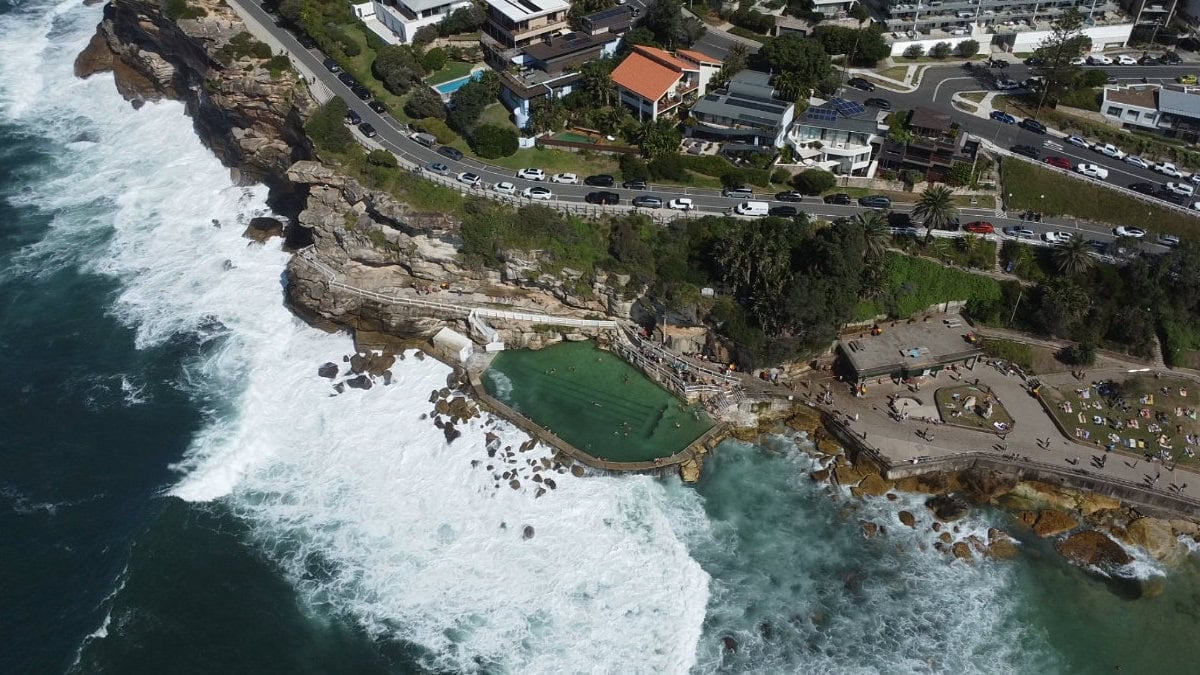
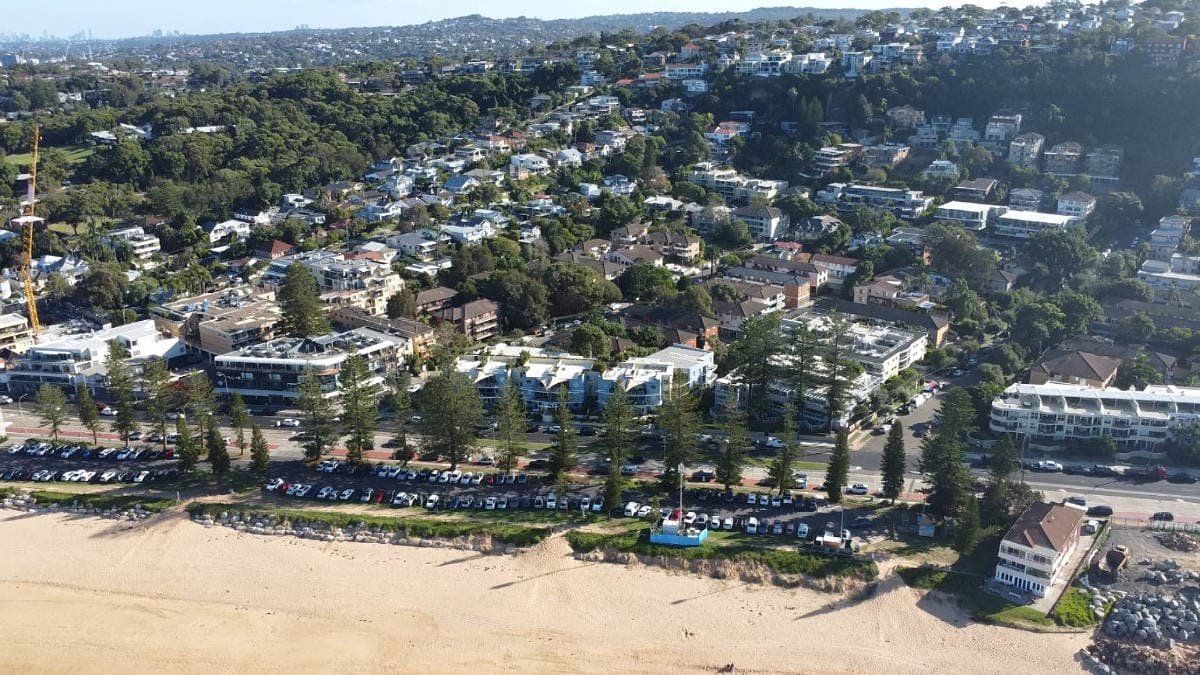
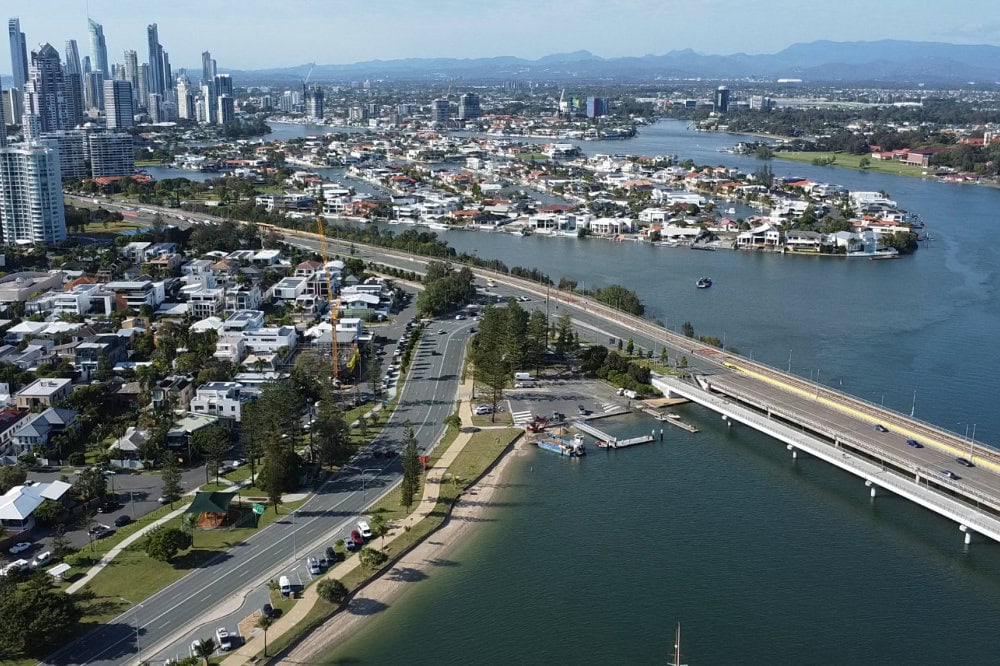
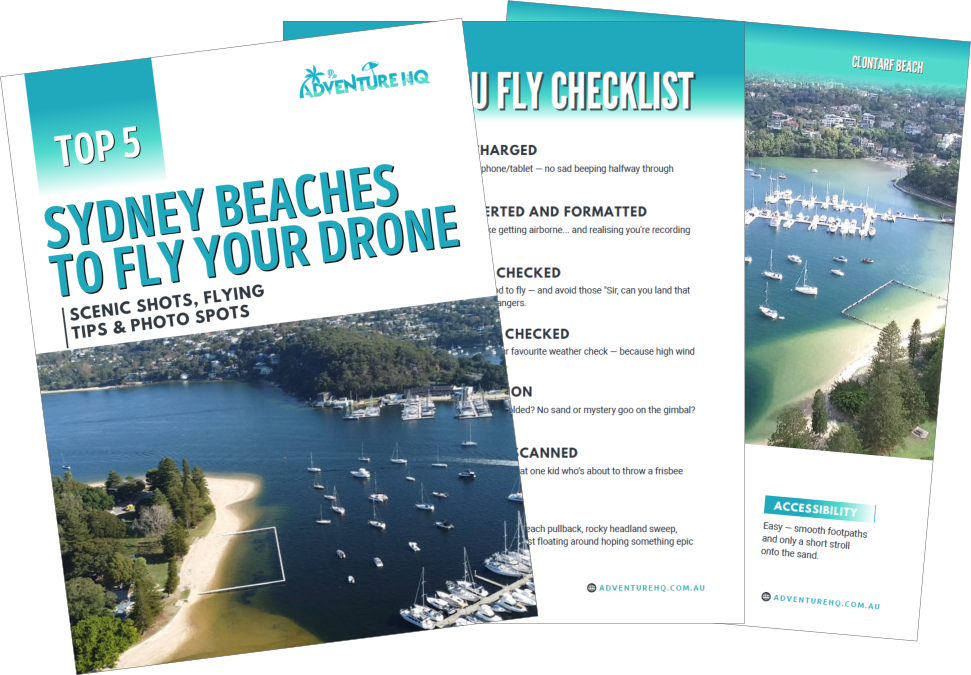
Want to Know Exactly Where to Fly in Sydney?
If you’re tired of Googling “where can I fly my drone?” and just want clear, beginner-friendly advice — I’ve got you.
I created a printable Sydney Drone Beaches Guide that includes:
- 5 legal, beginner-approved beaches
- GPS pins for takeoff points
- Tips on when to fly and what to shoot
- Real drone photos and layout previews
It’s based on lived experience – not just a map.
Next Steps: Make the Most of Every Flight
Every time you fly, you’re not just collecting video — you’re creating a library of potential stills. Record in high resolution, fly with intention, and extract the gems later. You’ll be surprised at what you missed while watching the live feed.
Want to turn your footage into more than just a reel? Check out these ideas: Creative Ways to Use Your Drone Footage
And if you’re ready to fly somewhere truly spectacular, don’t miss this: AdventureHQ Drone Guides
FAQs About Getting Photos from Your Drone Video Footage
Can I really get good quality photos from drone video?
Yes – especially if you’re recording in 4K or higher resolution. A single frame from 4K video equals about 8 megapixels, which is great for web use, social media, and even small prints. The key is to fly smoothly, avoid fast movement, and record in good lighting conditions to ensure sharp frames.
What’s better — taking still photos or extracting frames from video?
Still photos will almost always give you better quality because they use higher resolution and faster shutter speeds. However, frame grabs are a great backup if you forgot to take stills, or if you want to capture spontaneous moments during a flight. They’re ideal for landscapes, cinematic flyovers, or social media content.
What resolution should I record in for high-quality frame grabs?
Always record in the highest resolution your drone allows — 4K is the minimum, and 5.4K or higher is even better. Higher resolution gives you more flexibility to crop and edit your frame grabs without losing quality.
How do I extract photos from my drone footage?
You can:
- Pause your video and take a screenshot (quick and simple)
- Use video editing software like Premiere Pro or DaVinci Resolve to export frames at full quality
- Use your drone’s app (like DJI Fly) to grab frames directly from the playback screen
Are frame grabs good enough for printing?
For small to medium prints and personal use — yes. Just make sure the footage was sharp, well-lit, and recorded in 4K or higher. For large format or commercial prints, still photos will generally produce better results.
Can I use frame grabs for Instagram and social media?
Absolutely! Frame grabs are perfect for Instagram posts, reels thumbnails, blog headers, and Facebook content. Just crop and tweak them a little in Lightroom or Snapseed, and they’re ready to share.
What drone settings help improve video frame grabs?
Use:
- 4K+ resolution
- Manual or locked exposure
- Slow flight speed
- ND filters (if shooting in bright light)
- Cinematic mode for smoother motion
These settings help ensure your footage is stable and clear, making it easier to pull great stills later.
 ***
***
Ivana Katz is a Sydney based website designer and travel blogger. Having her own business has given her the freedom to explore the world. She believes travel is the best teacher and her passion for adventure, writing and photography has taken her and her son to some amazing places, including Hawaii, Canada, Fiji, Greece and Czech Republic. Ivana’s favourite thing about travelling is learning, discovering hidden gems and creating memories. She loves nothing more than inspiring other women to chase their dreams and explore the world with their families and friends.