
How to Take Stunning Drone Photos Even If You’re a Complete Beginner
When I took my first drone photo, it was crooked, overexposed, and definitely not what I saw in my head. The location was perfect, the sky was glowing, and yet… the shot looked like it came from a wobbly seagull. But that’s the beauty of drone photography — you don’t have to get it perfect on day one. You just have to start.
Whether you’re flying a DJI Mini 2 SE or something a little fancier, the truth is that great drone photos come down to practice, perspective, and a few simple techniques. You don’t need to be a pro photographer. You don’t need to shoot in manual mode (yet). But you do need to understand what makes a drone photo feel “wow.”
In this guide, I’ll walk you through the steps I wish I knew earlier — from framing to filters to flying techniques that make your photos pop. These tips are beginner-friendly but powerful enough to transform your next aerial photo session.
1. Master the Art of Composition
Before you worry about camera settings, focus on what’s in the frame. Composition is what separates a boring shot from one that makes people stop scrolling. And the good news? There are simple tricks to make your drone photos instantly more appealing.
The classic “rule of thirds” still applies. Imagine your screen divided into a 3×3 grid — try placing your subject or horizon on those lines instead of dead centre. Leading lines (like roads, rivers, or coastlines) can guide the viewer’s eye, and symmetry from above (like pools, fields, or architecture) adds punch.
Experiment with angles. Don’t just shoot straight down — try 45-degree angles or slightly off-centre compositions. And don’t be afraid of negative space — sometimes the sky, ocean, or desert around your subject gives the image room to breathe.
- Use the rule of thirds for balance and focus
- Look for patterns, shadows, and textures from above
- Mix top-down shots with forward-facing perspectives
Pro Tip: Turn on the grid lines in your drone app — they’ll help you align and frame your shot more intuitively.
2. Shoot During Golden Hour (or Blue Hour)
Lighting is everything in photography, and drone shots are no exception. Harsh midday sun can blow out highlights and flatten your subject. Instead, aim for golden hour (shortly after sunrise or before sunset) when the light is soft, warm, and flattering.
Golden hour light adds depth, enhances colours, and creates long shadows that look epic from above. Blue hour — that dreamy time just before sunrise or just after sunset — also gives your images a cinematic, moody vibe.
If you can’t fly during those times, overcast days work surprisingly well too. The clouds act like a giant diffuser, softening shadows and evening out the light. Just make sure it’s not too windy or wet.
- Golden hour = rich tones, soft light, long shadows
- Blue hour = moody atmosphere, great for silhouettes
- Overcast = soft light, great for subtle textures
Pro Tip: Use apps like Sun Surveyor or PhotoPills to plan your flight around the best light of the day.
3. Use Auto Settings (Until You’re Ready for Manual)
You don’t need to shoot in manual mode to get great results. Auto mode is surprisingly good — especially on newer drones — and lets you focus on framing and movement without getting overwhelmed by settings.
As you get more confident, you can start adjusting things like ISO, shutter speed, and white balance. But for beginners, stick with auto exposure and evaluate your images after the flight. You’ll quickly learn what works and what doesn’t.
Still, if you want a middle ground, switch to manual white balance. It prevents colour shifts between shots and helps maintain consistent tones across your gallery.
- Start with Auto mode while you learn composition and light
- Switch to manual white balance for consistent colour
- Review your footage post-flight to see what needs adjusting
Pro Tip: Avoid high ISO settings — they add noise. Keep ISO at 100–200 whenever possible for the cleanest image.
4. Add Movement and Shadow for Drama
Drone photography isn’t just about pretty views — it’s about perspective. One way to add emotion or drama to a shot is by capturing movement or shadows. Think of waves curling toward shore, a person walking along a trail, or palm trees casting long shadows at sunset.
Even a stationary drone can create a sense of motion by how you frame the shot. Look for repeating patterns, textures in water, or traffic moving along a road. From above, these become design elements that ground your photo in reality — while still feeling almost surreal.
You can also use your own shadow in creative ways. Try flying low during golden hour and capture your drone’s shadow over a field or rock face — it adds scale and tells a story.
- Use long shadows to add depth and interest
- Include movement (waves, trees, people) to create energy
- Capture symmetry or contrast in shadowed areas
Pro Tip: Fly slowly and steadily — small movements allow you to frame evolving light and motion more precisely.
5. Edit Lightly (Or Learn as You Go)
Editing doesn’t mean turning your photo into something unrealistic. It’s about enhancing what’s already there. Even a few quick tweaks can make your image pop — and there are plenty of beginner-friendly apps to help you do it without feeling overwhelmed.
Start with basic adjustments: exposure, contrast, highlights, and shadows. Then play with saturation, vibrance, and clarity — just don’t overdo it. Less is usually more when it comes to editing drone photos.
If you’re not ready for Lightroom or Photoshop, try Snapseed (free) or Lightroom Mobile. As you get more confident, you’ll start recognising what needs adjusting even before you take the shot.
- Edit for balance, not filters — keep the natural vibe
- Watch for blown-out highlights or over-saturated colours
- Use cropping to improve composition after the fact
Pro Tip: Always shoot in JPEG + RAW if your drone supports it — RAW files give you way more flexibility when editing.
Final Thoughts: It’s Not About the Gear. It’s About the Eye.
You don’t need the most expensive drone or the most technical knowledge to take stunning photos. You need curiosity, practice, and a willingness to experiment. Every flight teaches you something — about light, angles, timing, and trust in your own creative instincts.
Start simple. Shoot often. Learn as you go. And when you’re ready to level up, check out some of these helpful guides:
- How to Improve Your Drone Flying Skills
- Best Drone Accessories for Beginners
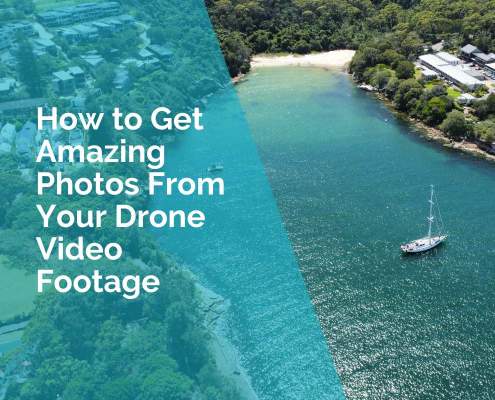
- How to Get Photos from Drone Video Footage
The sky’s not the limit. It’s the canvas.
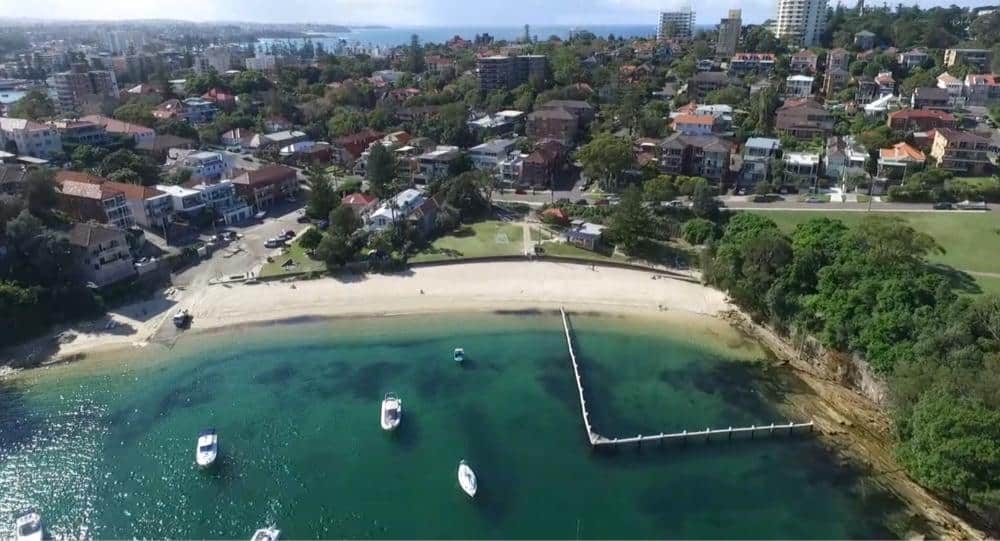
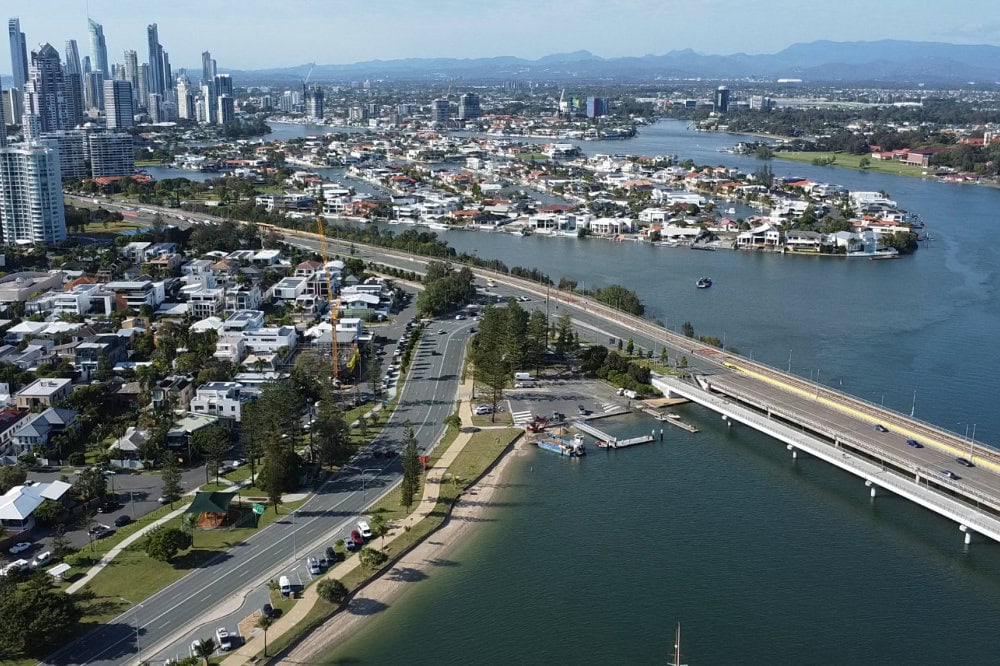
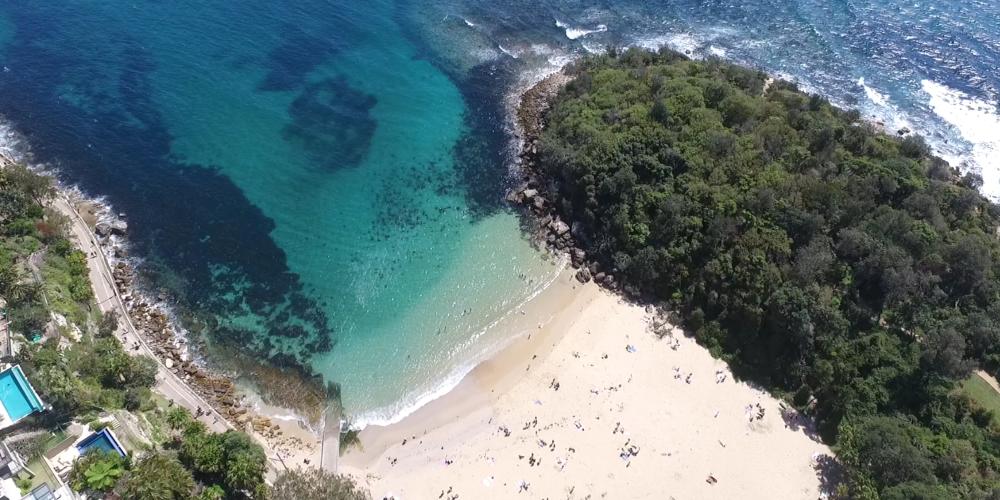
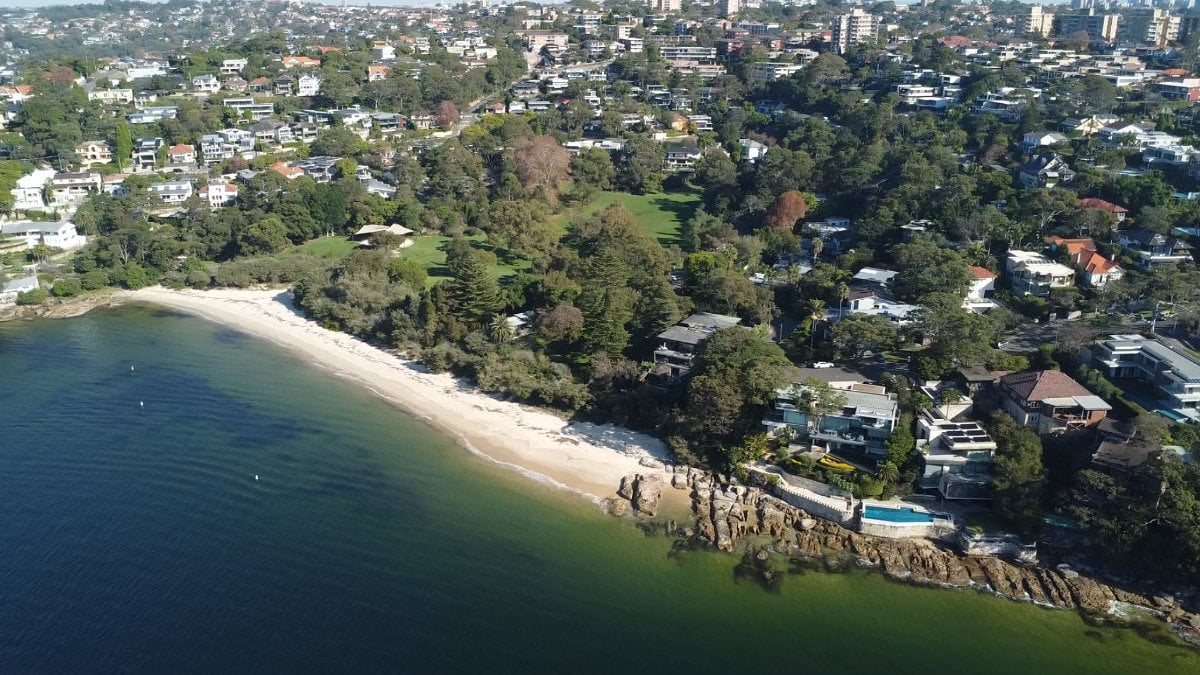
Photo Gallery

FAQs About Taking Photos with Your Drone
Do I need to be a professional photographer to take great drone photos?
Not at all! You can take amazing shots as a beginner with basic gear and good light. Start with auto settings, focus on composition, and practice often — the rest will come with time.
What’s the best time of day to take drone photos?
Golden hour (shortly after sunrise or before sunset) is ideal. The light is softer and warmer, which adds depth and drama. Overcast days can also work well for capturing even tones and textures.
Should I shoot in Auto or Manual mode?
Start in Auto mode while you learn how to frame shots and handle your drone. When you’re ready, experiment with Manual to control ISO, shutter speed, and white balance. For a hybrid approach, try Manual White Balance only.
What camera settings should I use as a beginner?
Keep ISO low (100–200), use Auto Exposure, and turn on grid lines for better composition. If your drone supports it, shoot in both JPEG and RAW to give yourself editing flexibility.
How can I improve my drone photo composition?
Use the rule of thirds, look for symmetry or leading lines, and experiment with top-down vs angled shots. A well-composed image is often more impactful than a technically perfect one.
What apps can help me plan better drone photos?
Try PhotoPills, Sun Surveyor, or UAV Forecast to check lighting, golden hour times, and weather conditions. Planning ahead increases your chance of capturing great shots.
Do I need to edit my drone photos?
Basic editing helps bring out the best in your shots — adjusting exposure, contrast, and sharpness makes a big difference. Apps like Lightroom Mobile or Snapseed are easy to use for beginners.
How can I make my drone photos stand out?
Focus on emotion, scale, or storytelling. Include shadows, movement, or unexpected angles. It’s often the simple shots — a lone figure on a beach, or a winding path through trees — that resonate most.
Where can I learn more about drone photography?
Right here! Check out our guides on:
Improving your drone flying skills
 ***
***
Ivana Katz is a Sydney based website designer and travel blogger. Having her own business has given her the freedom to explore the world. She believes travel is the best teacher and her passion for adventure, writing and photography has taken her and her son to some amazing places, including Hawaii, Canada, Fiji, Greece and Czech Republic. Ivana’s favourite thing about travelling is learning, discovering hidden gems and creating memories. She loves nothing more than inspiring other women to chase their dreams and explore the world with their families and friends.