What To Do If You Crash Your Drone (A Beginner’s Survival Guide)
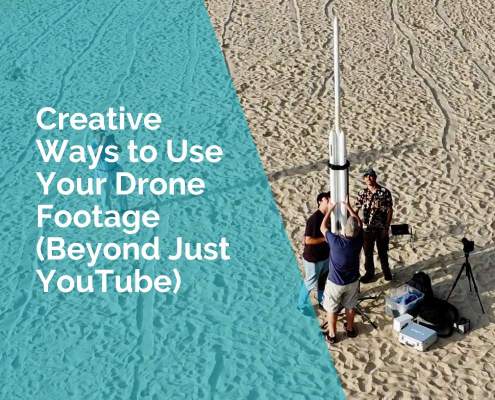
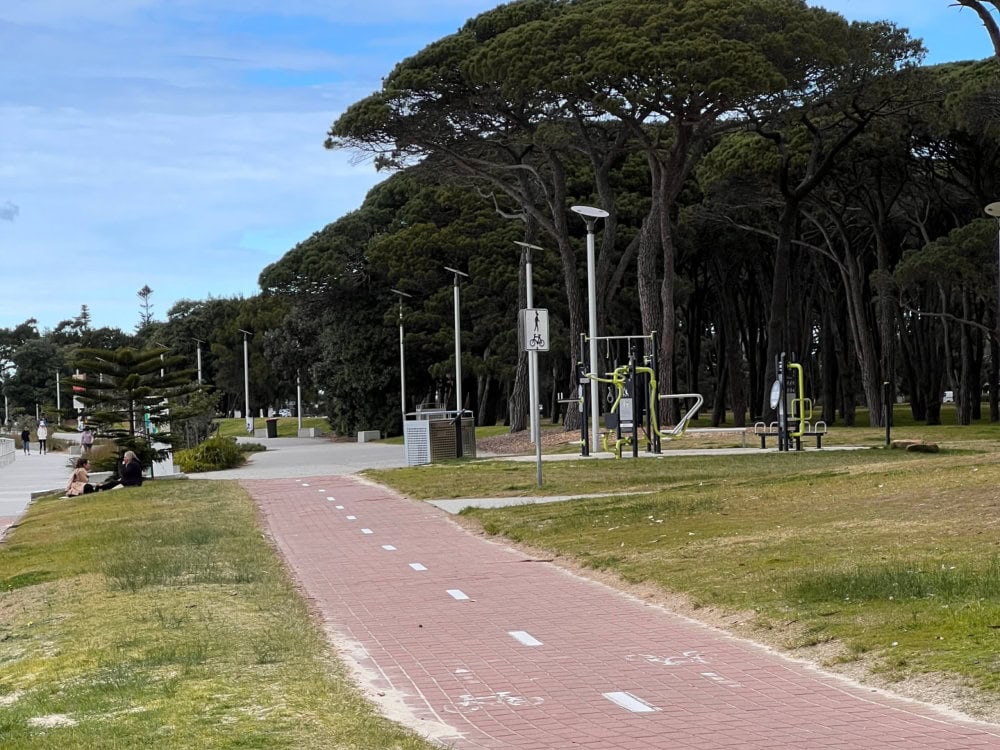
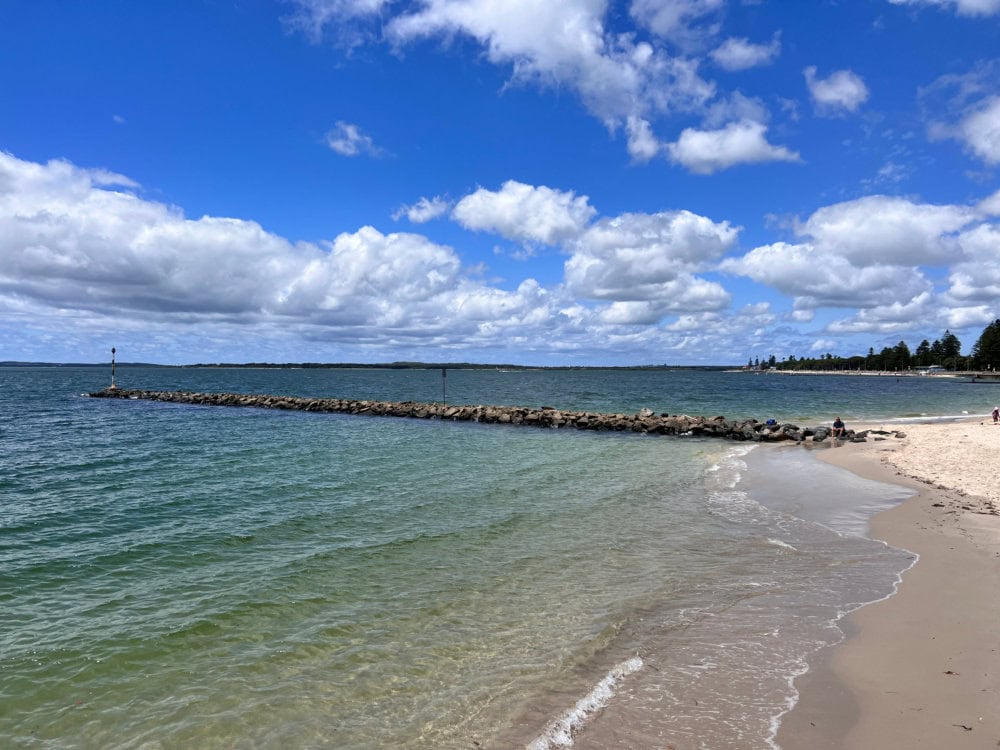
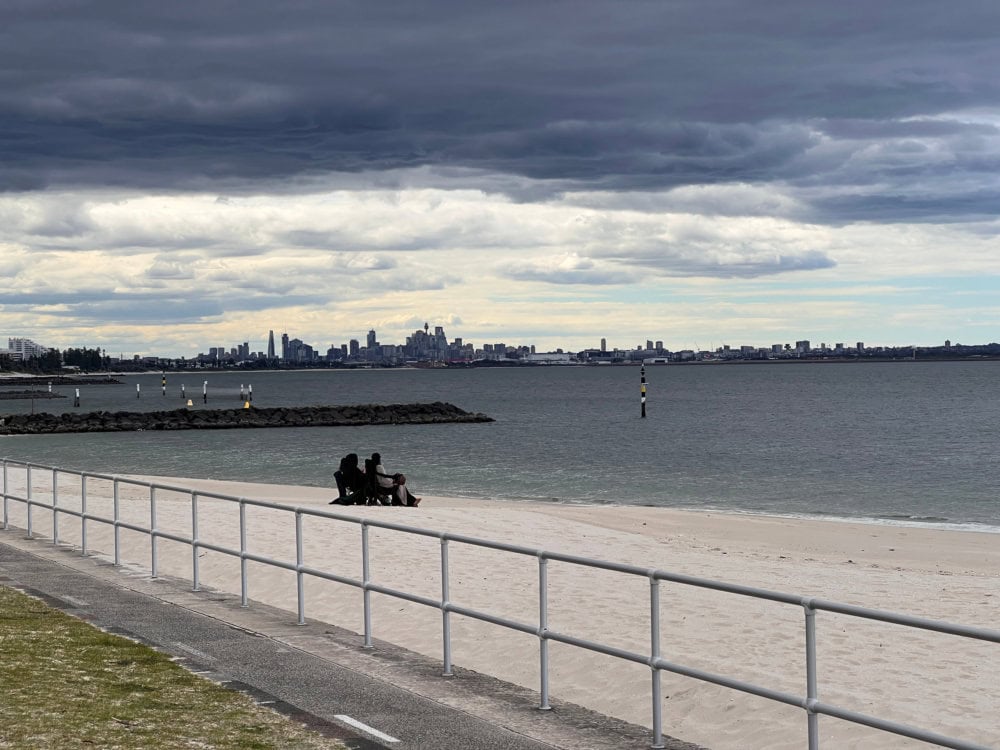
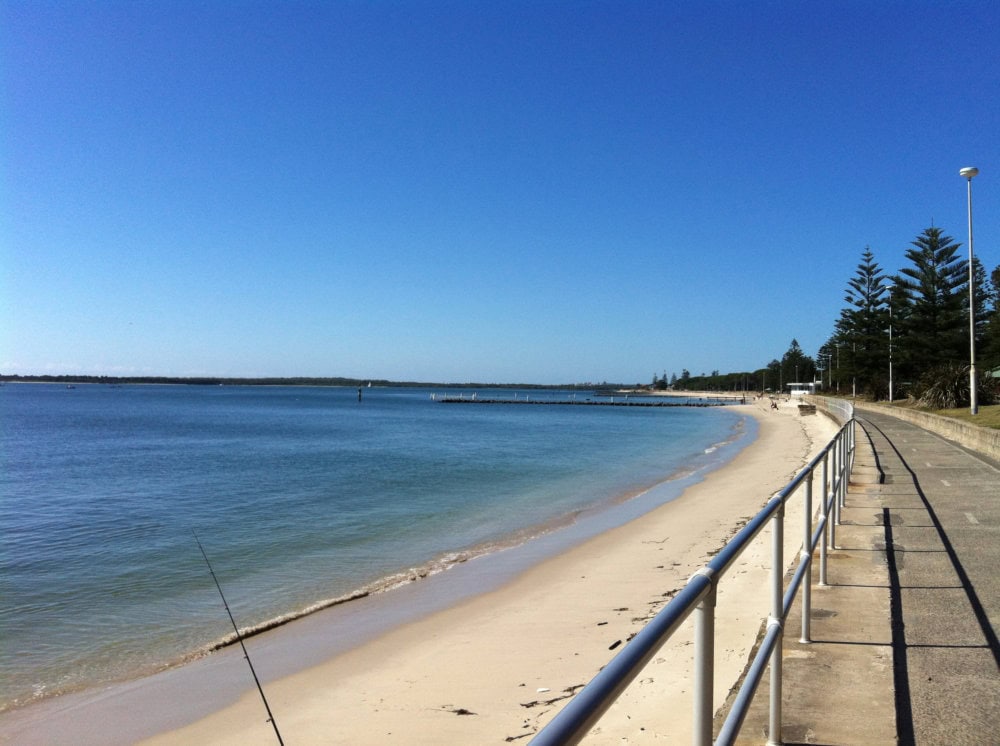
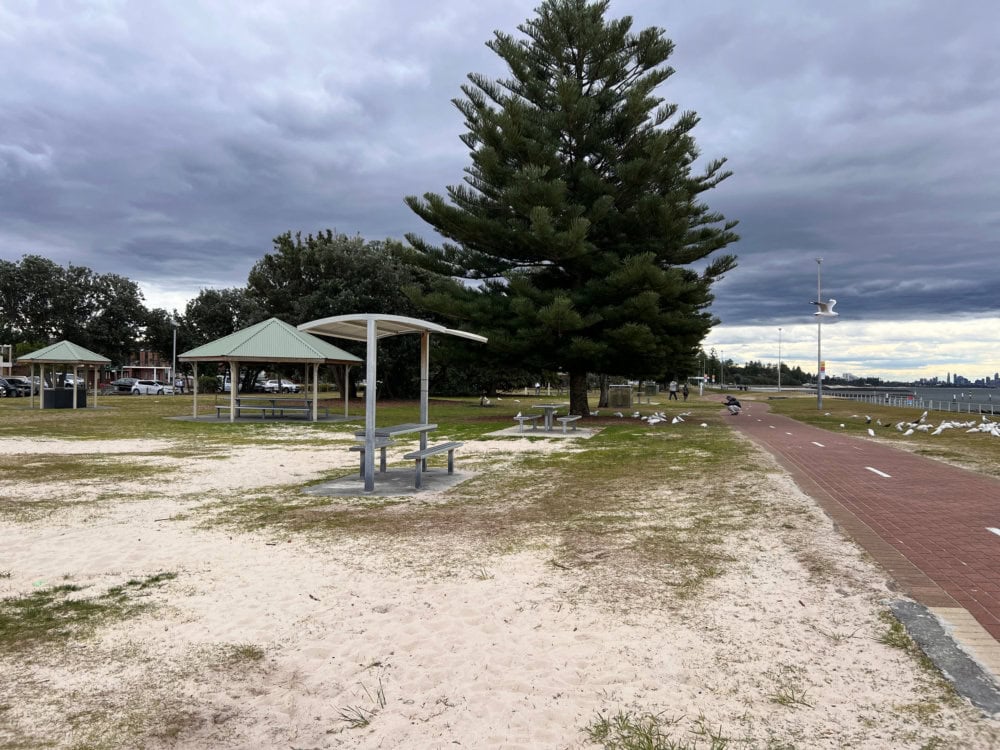
You never forget your first drone crash. Mine was during an attempt to film b-roll footage of my brother’s world record-setting water rocket. The rocket was stationed in the middle of Clontarf Beach, and I decided to get a little creative with my angles. Big mistake.
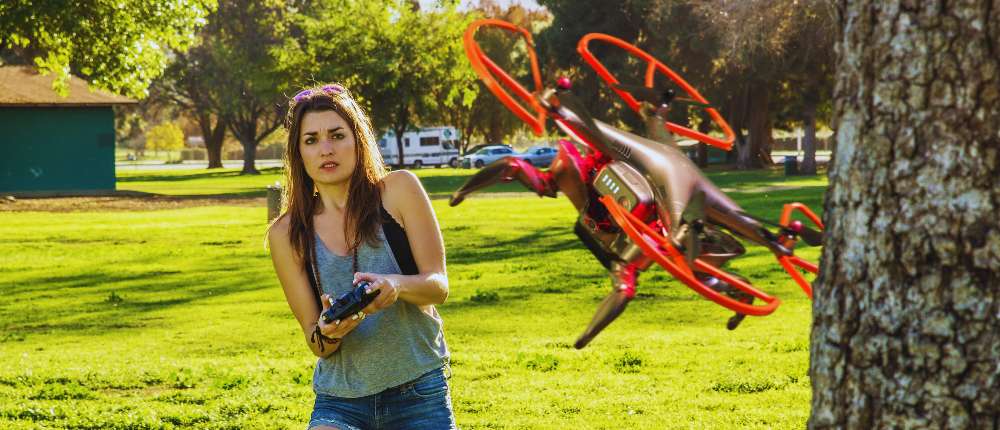
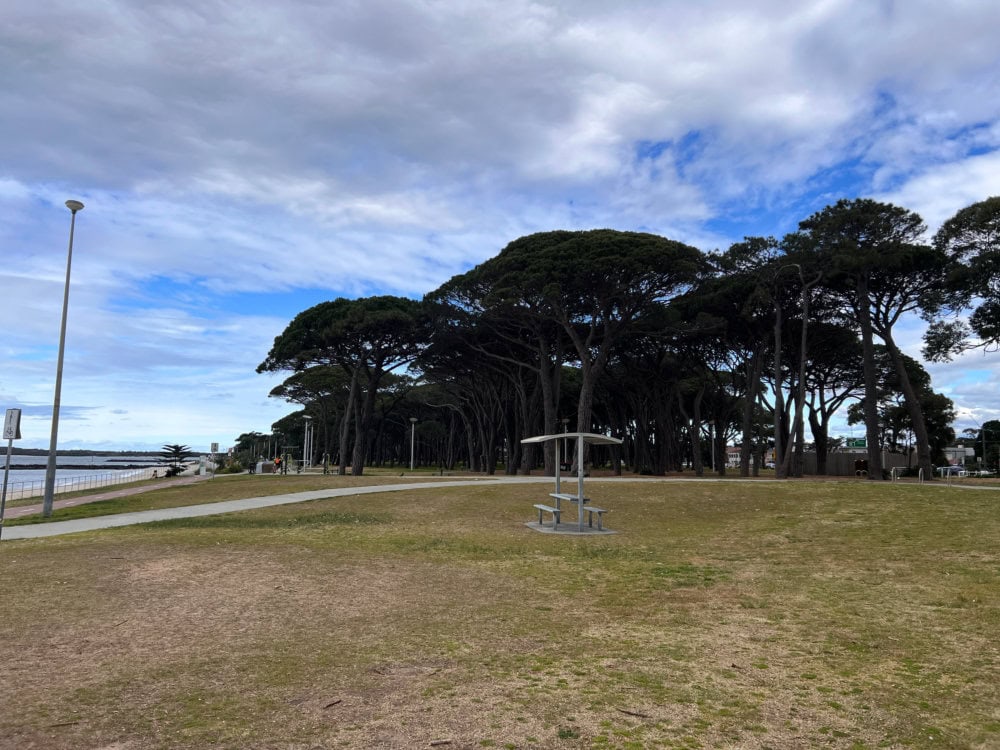
I thought I was being clever. I did a fly around with Snoopy (my drone) around the rocket to capture a cinematic orbit… and clipped a tree. Mid-spin. Mid-shot. Mid-confidence. The sound it made wasn’t dramatic — just a gentle whack and then silence, which somehow felt worse. I stood frozen, heart racing, while my inner monologue was saying: “Well, that’s the end of Snoopy.”
If you want to see the fully story check out How I crashed my drone filming a world record setting water rocket.
But here’s what I learned — crashing your drone isn’t the end of your flying journey. It’s part of it.
In fact, most drone pilots who are out there doing cool things have had at least one “Oh no” moment (and a few “why did I even…” ones too).
This guide is here to help you get through that moment — with calm, care, and a little humour intact.
Step 1: Breathe and Assess — Don’t Rush Into the Wreckage
In the seconds after a crash, your instincts scream: run, retrieve, rescue. Your heart pounds. Your imagination runs wild — maybe it’s in pieces, maybe someone saw, maybe you’re banned from flying forever. But before you bolt across the field or wade into a lake, stop.
Breathe. Let the adrenaline settle. Because panicking is how twisted ankles, trespassing fines, and second crashes (yep, those exist) happen.
Instead, start by scanning your surroundings. Are you in a public area? Is the drone near a water source, road, or someone’s backyard? Take in the scene before you act — this helps you stay safe and recover your drone faster.
- Use your last visual or video feed to triangulate its location
- Watch for people nearby who may have seen it fall
- Avoid unsafe retrieval zones — it’s not worth a twisted ankle or trespassing fine
Step 2: Use the App – Your Drone Might Be Smarter Than You Right Now
Here’s the great thing about crashing a modern drone: it’s not 1997. You’re not wandering blindly like someone looking for mobile signal in a forest. Most drone models, especially DJI, come with built-in GPS tracking — and it’s surprisingly accurate.
When Snoopy went down during the not-so-world-record rocket shoot, I pulled up the app and hit “Find My Drone.” There it was: blinking away on the screen like, “Hey, I’m over here, no thanks to you.” The map showed its last recorded position and even let me activate lights and sound. It was a total game-changer.
So if your drone has gone AWOL, do this:
- Open your flight app — DJI Fly, DJI GO 4, or whatever you’re using
- Tap on the “Find My Drone” feature
- Use the map to walk towards the GPS coordinates
- If your drone still has power, trigger the flashing lights or beeping sound
Step 3: Recover with Care
So you’ve spotted it. Maybe it’s nestled in the grass. Maybe it’s dangling from a branch. Or maybe it’s face-down in the sand giving you the silent treatment. Now is the time for calm hands and smart thinking.
First: switch everything off. Disconnect the battery. Power down the controller and app. You don’t want any motors spinning unexpectedly or more damage happening while you fumble with recovery.
Then inspect. Gently. Don’t yank it out if it’s stuck. Don’t test the motors by spinning them with your fingers. Be kind — this little machine may still have a lot of flying to do.
- Look for cracks, bent arms, loose parts
- Remove battery and store separately
- If it’s wet or sandy, avoid powering back on
Step 4: Clean, Dry, and Don’t Rush the Reboot
Sand and water are drone kryptonite. Even moisture from morning dew can sneak inside and short things out. So before you fly again, let your drone recover properly.
Use a soft brush, microfiber cloth, or air blower to clean it off. If it’s damp, pat dry gently and then leave it in a warm, dry space (not direct sun or heaters!). Silica gel packs — those little pouches you usually throw out from shoe boxes — are magic here. Keep some in your drone bag. Trust me.
Be patient. I would wait 24–48 hours before even testing power if there was moisture involved. It’s worth it to save your drone from a premature funeral.
Step 5: Run a Low-Stakes Test Flight
Once you’re sure it’s clean and dry, it’s time to test. But don’t head straight to the cliffs or waterfalls. You want boring. Flat. Open. And safe.
Check your props. Are they spinning smoothly? Any strange noises? Take off slowly and hover at eye level for 30 seconds. Watch how it responds.
If all looks good, test movement gently. Up, down, side to side. Look for any drift, jitter, or gimbal issues. If anything seems off, land immediately and inspect again.
- Test in calm weather with strong GPS signal
- Keep it close and low for first flight
- Bring a friend if you’re nervous
Step 6: Learn from It (Yes, Really)
Every crash has something to teach you. Maybe it was wind. Maybe you weren’t watching altitude. Maybe you forgot to check RTH height. Or maybe — like me — you got cocky with a world record rocket that never took off.
Don’t just move on. Reflect. Write it down. Keep a “crash log” with notes like location, conditions, gear used, what went wrong, and what you’ll do differently next time.
Even better, go brush up on the skills you need. I’ve put together a few guides that can help:
- How to Improve Your Drone Flying Skills
- Drone Battery Tips
- Flying Over Water: A Beginner’s Milestone
Step 7: When in Doubt, Call in the Experts
If your drone still seems off after cleaning, drying, and test flying — or if you’re just not confident it’s ready — don’t hesitate to contact the manufacturer. Brands like DJI offer repair services, diagnostics, and replacement options through programs like DJI Care Refresh.
It’s a good idea to submit a service request if the crash involved water, a significant fall, or ongoing performance issues. Sometimes it’s not what you can see, but what’s shifted internally — and a professional inspection can spot what we can’t.
Think of it like sending your drone to a spa and a tune-up dinner. A short break in flight time could mean a much longer life in the sky.
So don’t let one crash ground you forever. Pick yourself up. Charge your batteries. Apologise to your drone if you must (I do). Then get back out there.
Because Snoopy lived to fly another day. And so will yours.
Want more honest stories and flying tips like this? Check out the rest of our Drone Guides or sign up to our newsletter for fresh posts every week.
Photo Gallery

FAQs About Crashing Your Drone
Can I fly my drone again after a crash?
Yes — but only after you’ve done a full inspection. Check for visible damage (cracks, bent arms, damaged props), test the gimbal and camera, and do a low, safe test flight. If anything feels unstable or looks off, don’t fly until you’ve addressed the issue.
What if my drone crashed into water?
Remove the battery immediately. Do not turn it on. Dry the drone thoroughly using a towel and leave it in a dry place for 48+ hours. Use silica gel packs or uncooked rice to absorb moisture. Then have it checked professionally before powering it back on.
Can drone crashes be repaired?
Yes. Many drone parts are replaceable — including propellers, arms, landing gear, and even gimbals. If you’re not confident doing it yourself, most manufacturers (like DJI) offer repair services. You can also find local drone repair technicians or authorised service centres.
Is a crash covered by warranty or DJI Care Refresh?
Warranties usually don’t cover pilot error or crashes — but DJI Care Refresh and similar plans often do, including discounted replacements for damaged drones. Always check your coverage terms and file a service request through the official app or support site.
How do I find my drone after it crashes out of sight?
Use your flight app’s “Find My Drone” feature. Most GPS-enabled drones log their last location, and some allow you to trigger flashing lights or beeping sounds. Also check your last footage to help pinpoint the crash site.
Should I report my crash to CASA (Australia’s drone authority)?
In Australia, you only need to report a crash to CASA if it caused injury to a person, serious property damage, or involved commercial operations. If it’s just a hobby crash with no harm done, reporting isn’t required.
What are signs my drone is too damaged to fly?
Watch for persistent gimbal errors, motor failure, unresponsive controls, drifting during hover, or warnings in the flight app. If the drone doesn’t stabilise or shows unusual flight behaviour — land immediately and get it inspected.
Can I prevent crashes in the future?
Absolutely. Fly in beginner-friendly areas, do pre-flight checks, understand weather conditions, set your Return-to-Home height properly, and keep firmware updated. You can also read our guide on improving your drone flying skills to level up your confidence.
Should I replace the propellers after a crash?
Yes, if they’re even slightly chipped or bent. Damaged props can cause instability and unsafe flight. It’s always safer to replace them — they’re inexpensive and essential to proper performance.
What if I crash in a national park or restricted area?
First, prioritise safe retrieval without trespassing. Then take it as a learning moment — always check the fly zone rules using apps like OpenSky or CASA’s “Can I Fly There?” tool. Bookmark our guide on where you can fly a drone to avoid future mishaps.
 ***
***
Ivana Katz is a Sydney based website designer and travel blogger. Having her own business has given her the freedom to explore the world. She believes travel is the best teacher and her passion for adventure, writing and photography has taken her and her son to some amazing places, including Hawaii, Canada, Fiji, Greece and Czech Republic. Ivana’s favourite thing about travelling is learning, discovering hidden gems and creating memories. She loves nothing more than inspiring other women to chase their dreams and explore the world with their families and friends.